


- #1
Thread Owner
: semihsoyuut
Download the FiveM Pause Menu Script V2 (GEN Pause Menu) — a sleek, modern, and fully customizable pause menu for QBCore and ESX servers. This advanced menu replaces the standard GTA pause screen with an interactive and informative interface, providing players with essential server information, player stats, and quick-access options for a smoother roleplay experience.
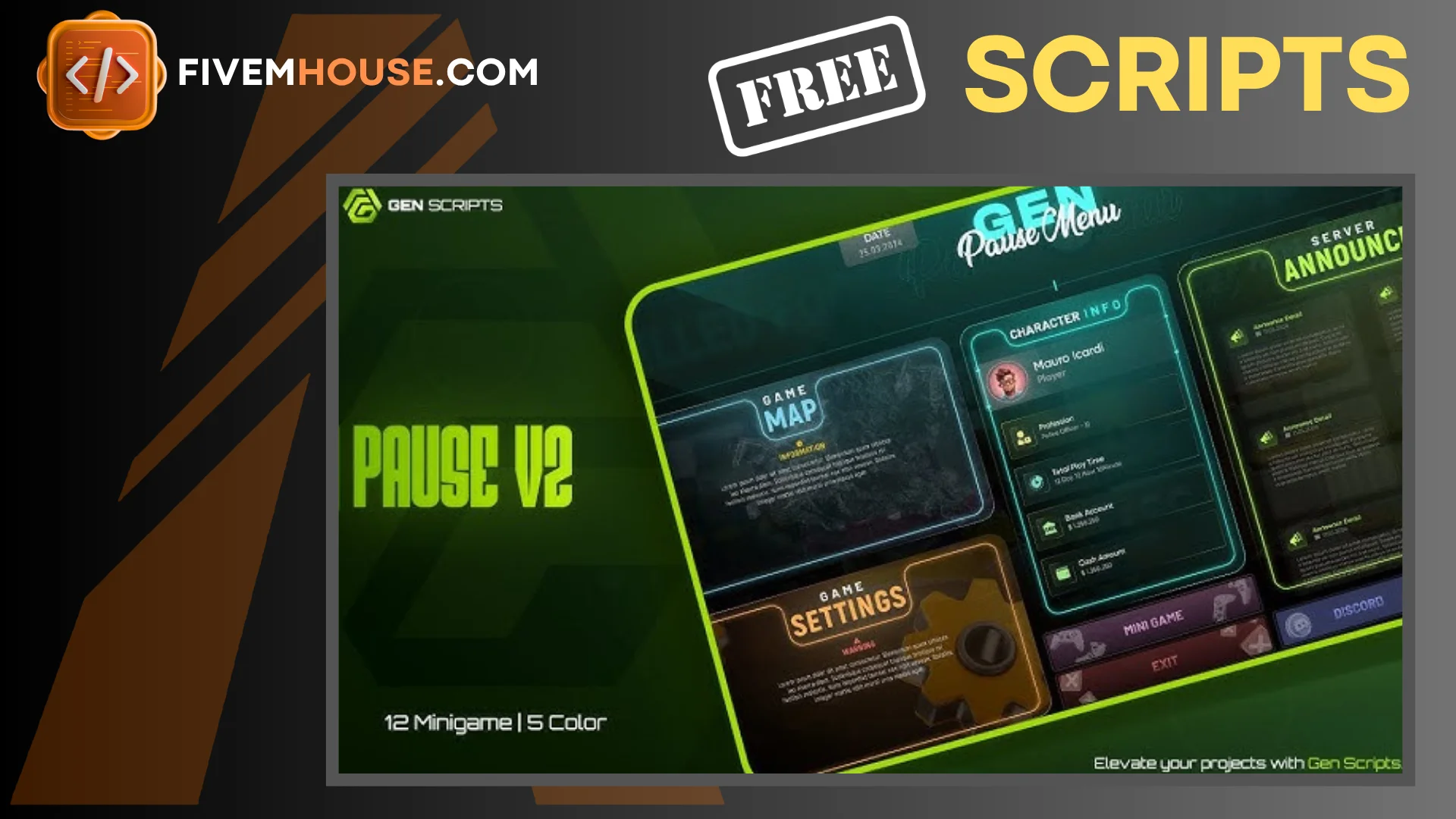
The GEN Pause Menu V2 is designed with performance and style in mind. It offers full customization over UI elements, colors, and layout, allowing server owners to brand the menu according to their community. With its lightweight structure and clean visuals, it ensures low resmon usage while delivering a professional, immersive in-game experience.
✔ Supports QBCore & ESX Frameworks
✔ Modern and Customizable UI for a premium look
✔ Displays Server Information & Player Stats
✔ Quick Access Options for menus, rules, and settings
✔ Optimized for Smooth Performance
Installation Guide:
 Extract the downloaded ZIP file.
 Move the gen_pausev2 folder into your server’s resources directory.
 Add the following line to your server.cfg file:
ensure gen_pausev2
 Restart your FiveM server to apply the changes.
Once installed, players can press pause to open a beautifully designed menu showing details like player ID, job, ping, playtime, and server rules. You can easily adjust colors, background images, and layout in the configuration files to make it fit your community’s theme.
Perfect for RP servers, drift communities, or freeroam setups, the FiveM Pause Menu Script V2 provides both functionality and style — improving immersion while keeping essential information easily accessible.
Keywords: FiveM pause menu, GEN Pause Menu, QBCore pause UI, ESX pause menu, modern FiveM UI, player stats menu, FiveM interface, FiveM roleplay script, customizable pause screen
The GEN Pause Menu V2 is designed with performance and style in mind. It offers full customization over UI elements, colors, and layout, allowing server owners to brand the menu according to their community. With its lightweight structure and clean visuals, it ensures low resmon usage while delivering a professional, immersive in-game experience.
✔ Supports QBCore & ESX Frameworks
✔ Modern and Customizable UI for a premium look
✔ Displays Server Information & Player Stats
✔ Quick Access Options for menus, rules, and settings
✔ Optimized for Smooth Performance
Installation Guide:
Extract the downloaded ZIP file. Move the gen_pausev2 folder into your server’s resources directory. Add the following line to your server.cfg file:ensure gen_pausev2
Restart your FiveM server to apply the changes.Once installed, players can press pause to open a beautifully designed menu showing details like player ID, job, ping, playtime, and server rules. You can easily adjust colors, background images, and layout in the configuration files to make it fit your community’s theme.
Perfect for RP servers, drift communities, or freeroam setups, the FiveM Pause Menu Script V2 provides both functionality and style — improving immersion while keeping essential information easily accessible.
Keywords: FiveM pause menu, GEN Pause Menu, QBCore pause UI, ESX pause menu, modern FiveM UI, player stats menu, FiveM interface, FiveM roleplay script, customizable pause screen
Last edited by a moderator: