


Download the FiveM Standalone Loading Screen 2.0 and give your server a professional and immersive connection experience. This SK-Loading script lets you design a fully customizable loading screen with images, background music, and smooth animations — all working perfectly with ESX, QB-Core, or Standalone frameworks.
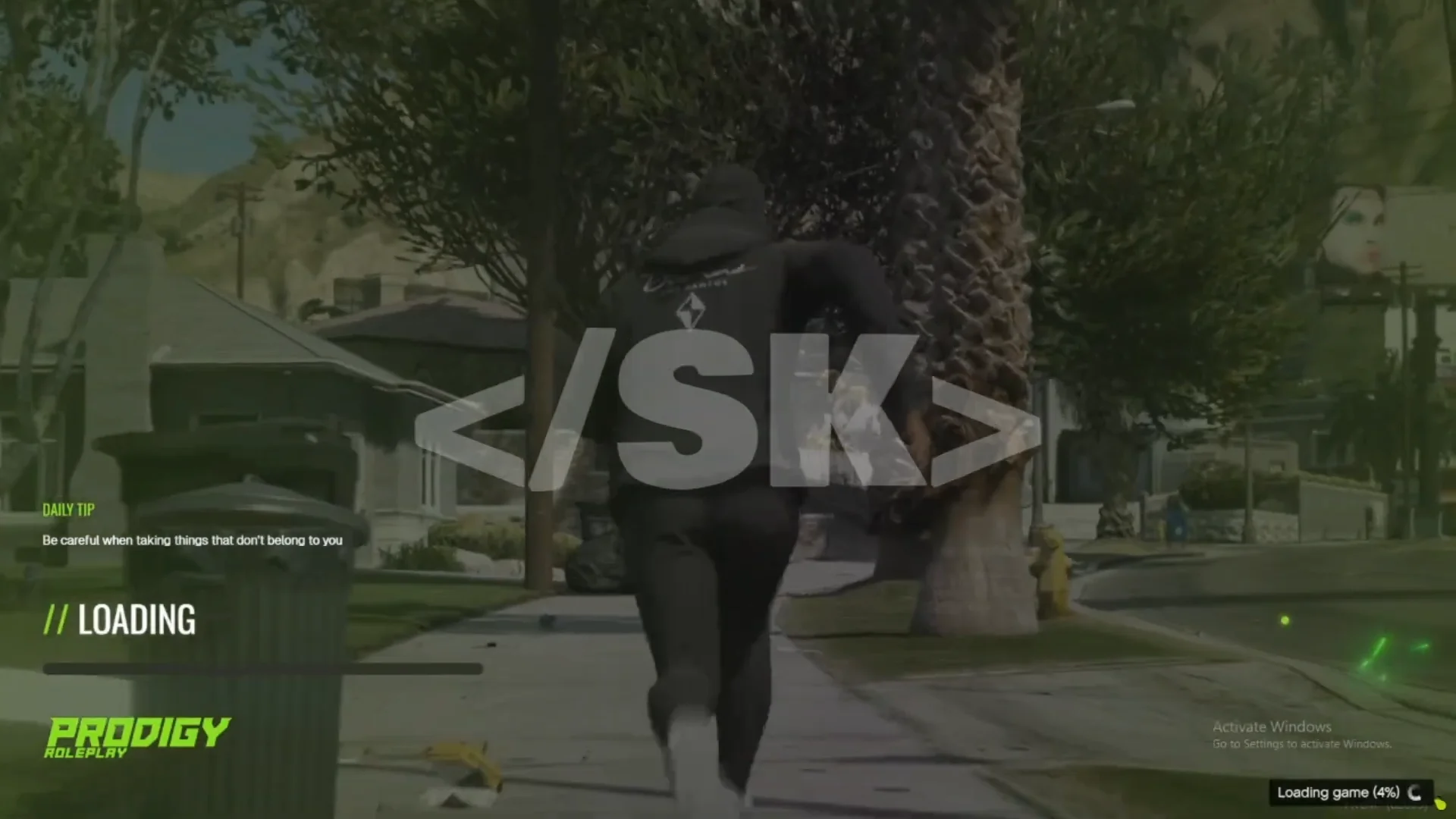
Players joining your server will be greeted with a visually appealing loading interface featuring animated progress bars, server rules, and custom branding. You can easily replace images, audio, and text to match your server’s theme and make a lasting first impression on new players.
✔ Compatible with All Frameworks: Works with ESX, QB-Core, and Standalone servers
✔ Customizable Backgrounds: Use static images or videos
✔ Loading Music & Sounds: Add your own soundtrack or sound effects
✔ Animated UI Elements: Progress bar, text transitions, and visual effects
✔ Lightweight & Optimized: Runs smoothly with minimal impact on load times
Installation Guide:
 Extract SK-Loading.zip and move the SK-Loading folder into your server’s [scripts] directory.
 Add ensure SK-Loading to your server.cfg.
 Edit the config.lua file to set up your background images, music, and text messages.
 Restart your server — your new loading screen is live!
This script is perfect for creating a branded, polished entry point for your players. It helps build immersion before gameplay begins while promoting your Discord, server rules, or event banners during the loading process.
Make your FiveM server stand out with Standalone Loading Screen 2.0 — stylish, customizable, and optimized for every framework.
Keywords: FiveM loading screen, SK-Loading, standalone loading screen, QB-Core, ESX, FiveM server UI, custom music loading screen, animated FiveM intro, loading bar script
Players joining your server will be greeted with a visually appealing loading interface featuring animated progress bars, server rules, and custom branding. You can easily replace images, audio, and text to match your server’s theme and make a lasting first impression on new players.
✔ Compatible with All Frameworks: Works with ESX, QB-Core, and Standalone servers
✔ Customizable Backgrounds: Use static images or videos
✔ Loading Music & Sounds: Add your own soundtrack or sound effects
✔ Animated UI Elements: Progress bar, text transitions, and visual effects
✔ Lightweight & Optimized: Runs smoothly with minimal impact on load times
Installation Guide:
Extract SK-Loading.zip and move the SK-Loading folder into your server’s [scripts] directory. Add ensure SK-Loading to your server.cfg. Edit the config.lua file to set up your background images, music, and text messages. Restart your server — your new loading screen is live!This script is perfect for creating a branded, polished entry point for your players. It helps build immersion before gameplay begins while promoting your Discord, server rules, or event banners during the loading process.
Make your FiveM server stand out with Standalone Loading Screen 2.0 — stylish, customizable, and optimized for every framework.
Keywords: FiveM loading screen, SK-Loading, standalone loading screen, QB-Core, ESX, FiveM server UI, custom music loading screen, animated FiveM intro, loading bar script
Last edited by a moderator: